
01
Objects
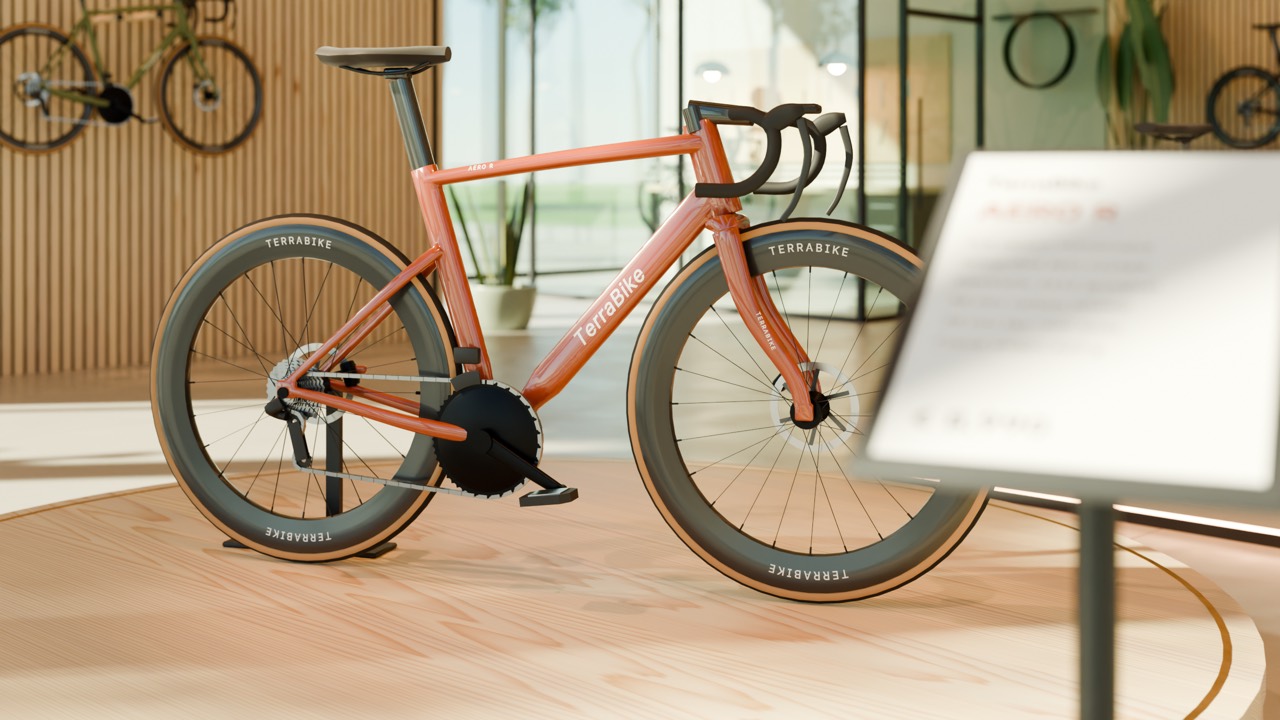
A single 3D item, such as a product, prop, or piece of furniture, generated from a description or reference image.
- Input text, images or video
- Output 3D model and Blender file
- Used for product concepts, 3D printing
Terra3D · Interactive 3D & immersive media
Customers describe what they want and can attach photos, sketches, or video. An AI agent builds it in Blender and, for playable scenes, in Unity. The result can be downloaded, or installed on a Meta Quest 3 headset or a Windows or macOS computer.
01The opportunity
A detailed 3D environment can take a team days or weeks to model, texture, and light. Making it interactive for VR means more work in a game engine such as Unity.
An AI agent does the modelling, layout, and Unity build. The customer describes what they want and approves the result.
02What it creates
01
A single 3D item, such as a product, prop, or piece of furniture, generated from a description or reference image.
02
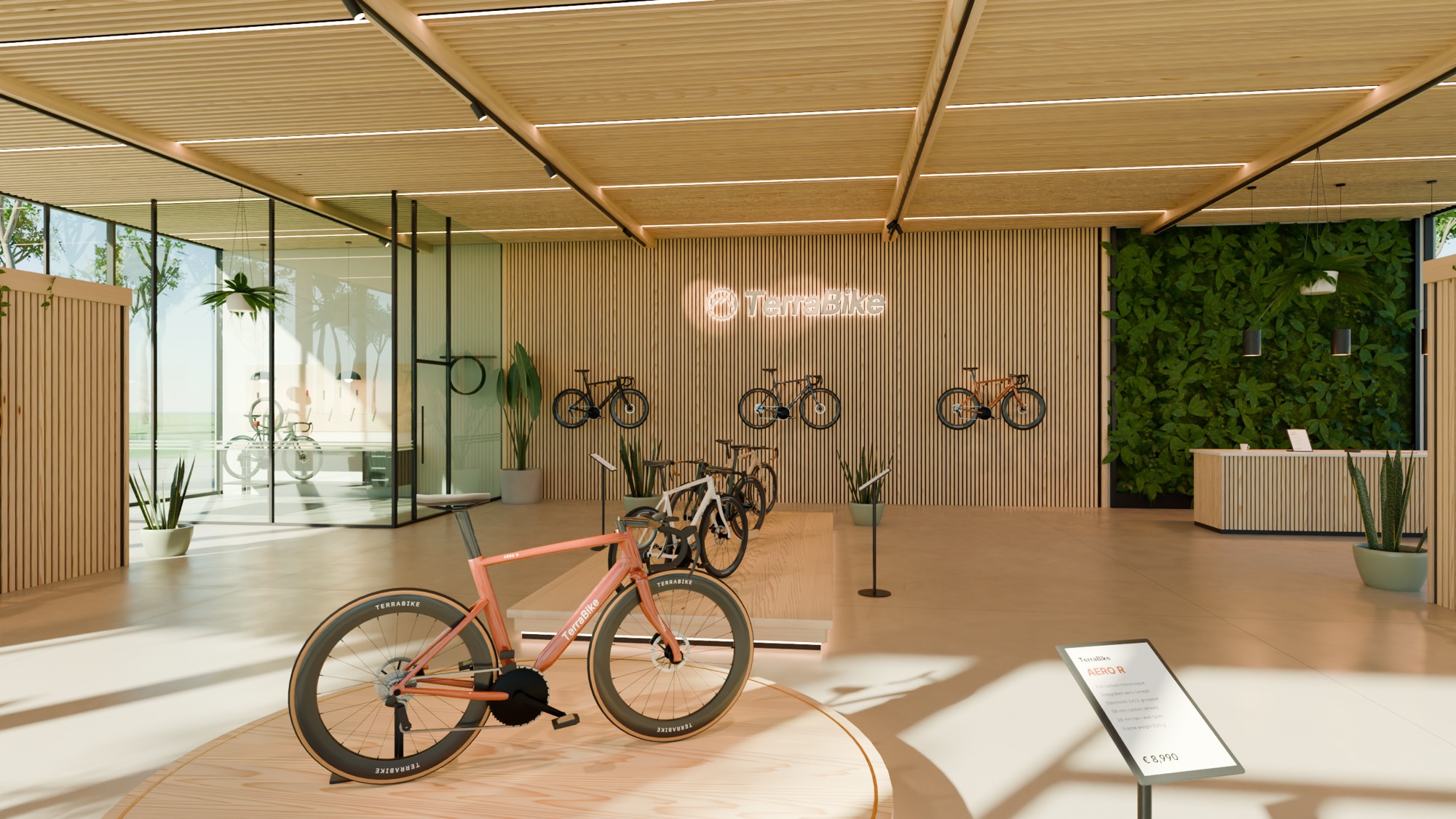
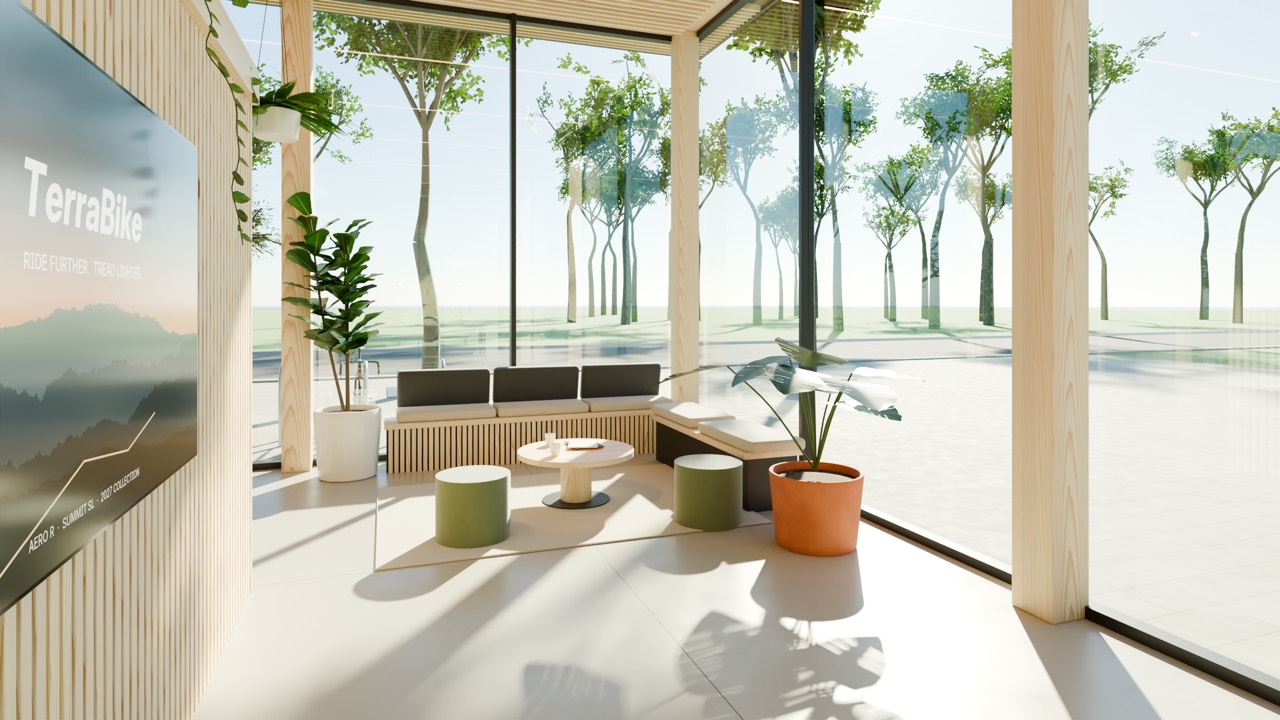
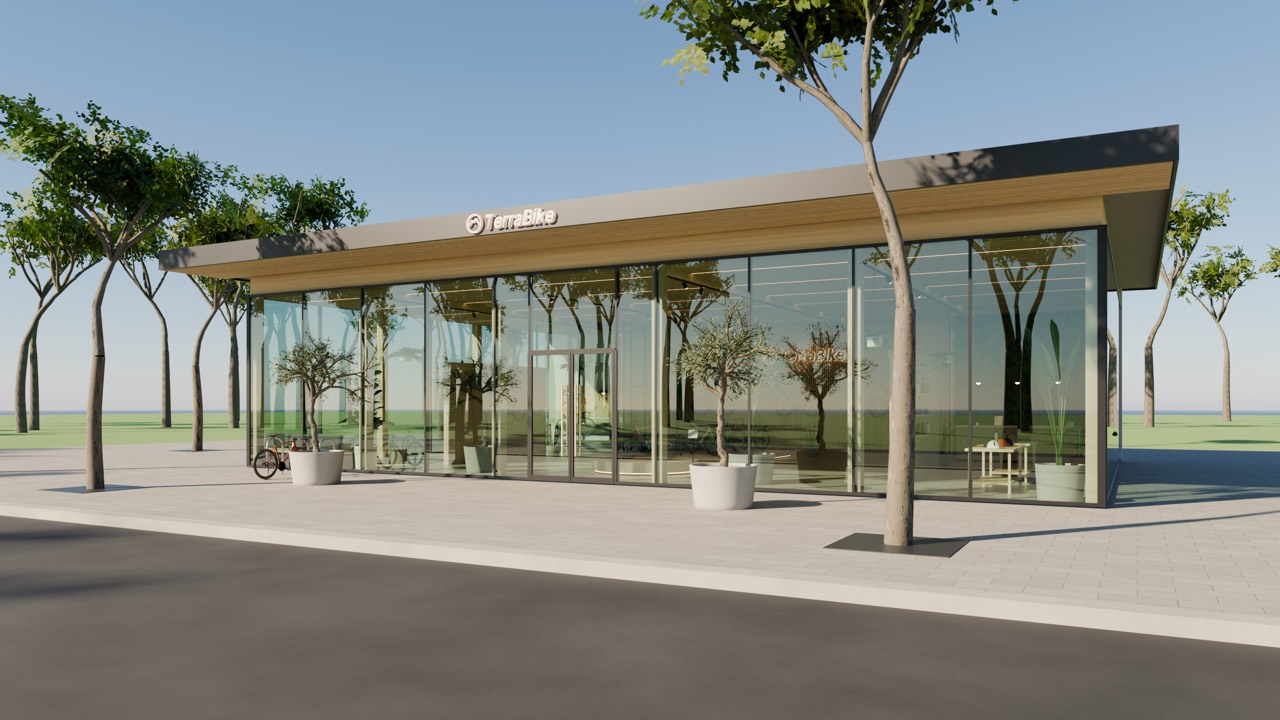
A complete environment, such as a showroom, classroom, or factory floor, including its objects and lighting.
03
A scene people can interact with, such as a VR safety induction for a warehouse. Terra3D adds the actions, objectives, and feedback, then builds an app that runs in VR or on a computer.
03How it works
Explain the idea in plain language. Add photos, sketches, or video for reference, including 360° captures.
Terra3D asks a few targeted questions, about style, materials, or controls, so the result matches the brief.
Inspect the result in the browser from every angle. Ask for changes with a new prompt; every version is kept.
Download files for design, web, AR, or 3D printing, or install the playable app on a headset or computer.
04Who it's for
VR safety inductions, drills, and lessons, such as a warehouse walkthrough where a new employee checks equipment before starting work.
Environments, levels, and playable prototypes for early game development.
Product concepts and virtual showrooms that can be reviewed before anything is manufactured or built.
Scene concepts for film and architecture, and STL files for 3D printing.
05Business model
Terra3D is sold directly to companies. Teams receive accounts once a quote is agreed; there is no public sign‑up.
Each generation uses credits. There are three quality tiers, Fast, Pro, and Ultra, so teams can choose between speed and detail on each project.
06Get in touch